Here are some steps to help email links to network paths successfully:
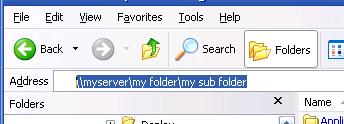
1. Navigate to the network folder in explorer, then copy and paste the address
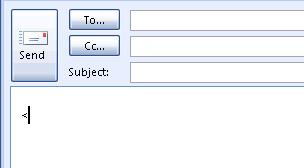
2. In the Outlook email you want to paste the link, enter an angled bracket
3. Paste the contents of the clipboard into the email (right click->paste or press ctrl+v)
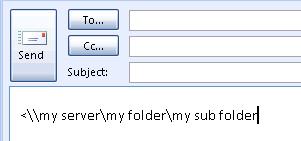
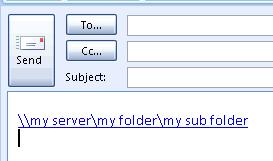
4. Finally, enter a closing angled bracket and press enter


No comments:
Post a Comment